Short form, then a run of single-question screens.
Onboarding screens7
Email verificationEmail code
Phone numberNo
CAPTCHANone seen
Interests askedPick 3+ ideas
SkippableNo
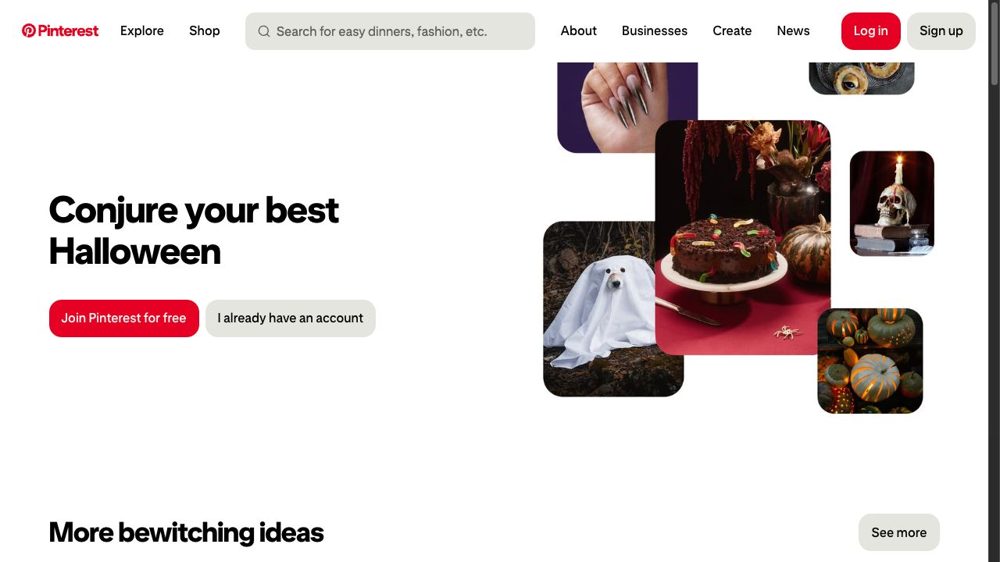
Capture 1 of 9
Logged-out home
Themed seasonal hero with "Join Pinterest for free" and a login button.
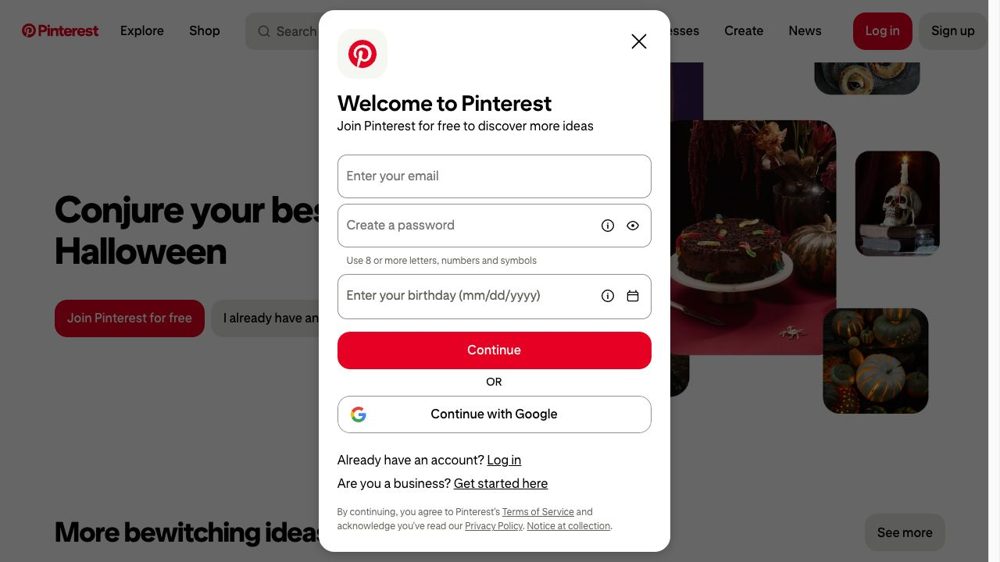
Capture 2 of 9
Welcome to Pinterest
Email, password and birthday on one screen, plus "Continue with Google".
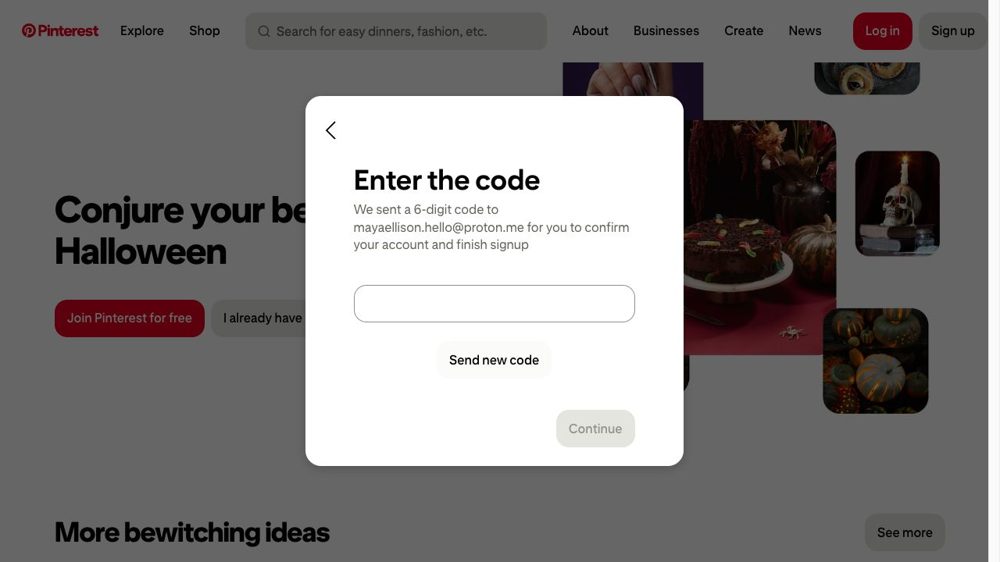
Capture 3 of 9
Enter the code
A 6-digit email code confirms the account.
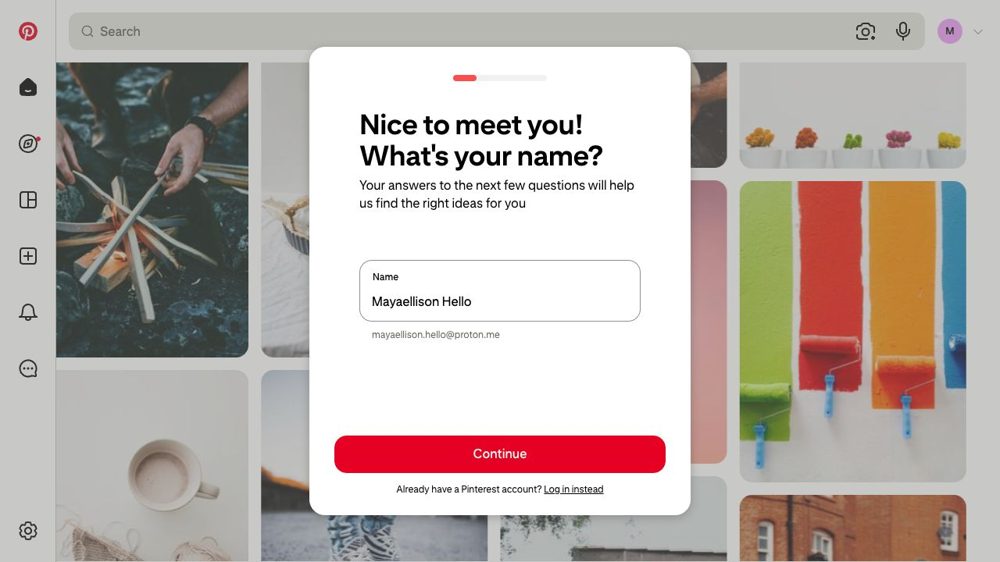
Capture 4 of 9
"What's your name?"
A progress bar starts here. The name field is prefilled from the email.
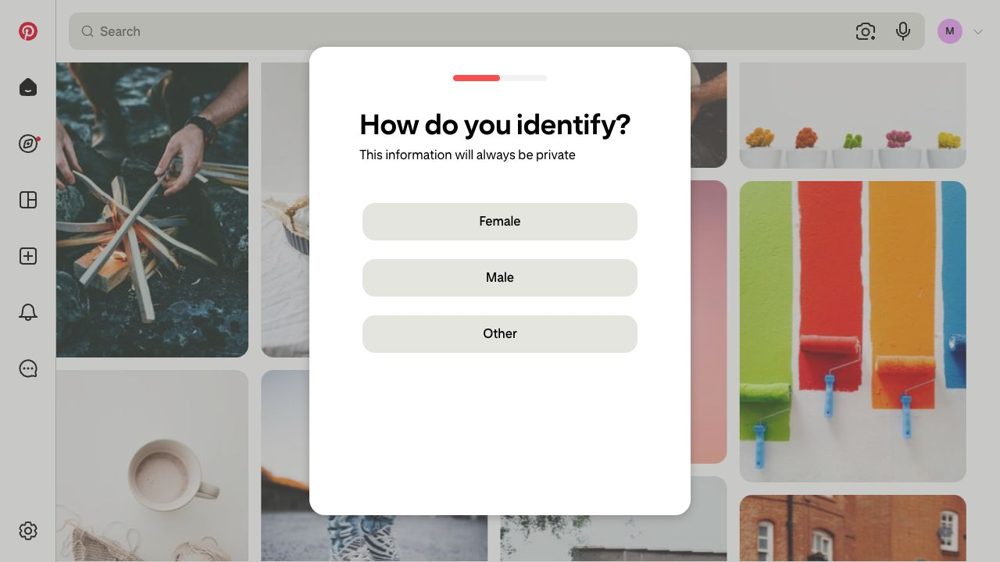
Capture 5 of 9
"How do you identify?"
Female, Male or Other. Labelled as private.
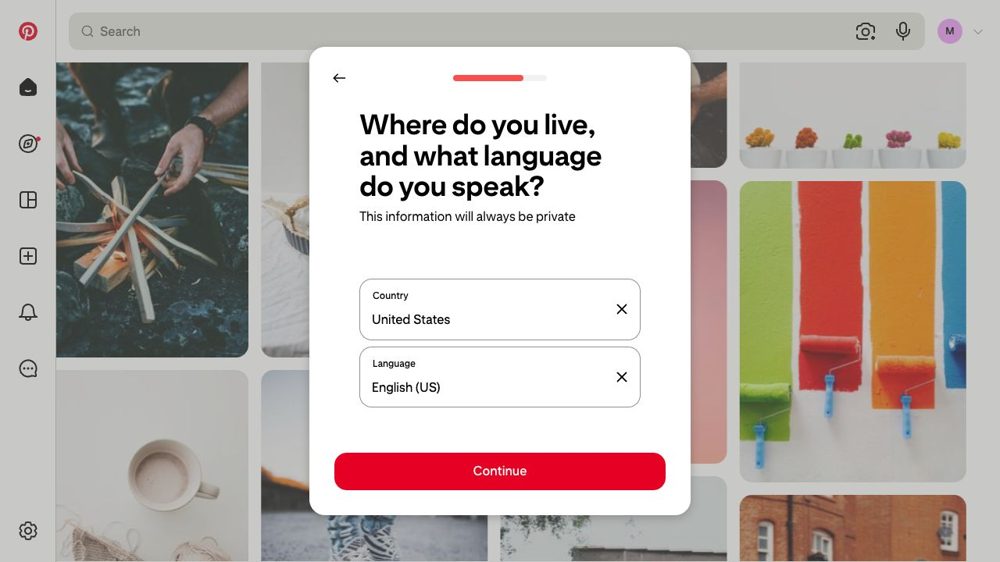
Capture 6 of 9
Country and language
Prefilled to United States and English.
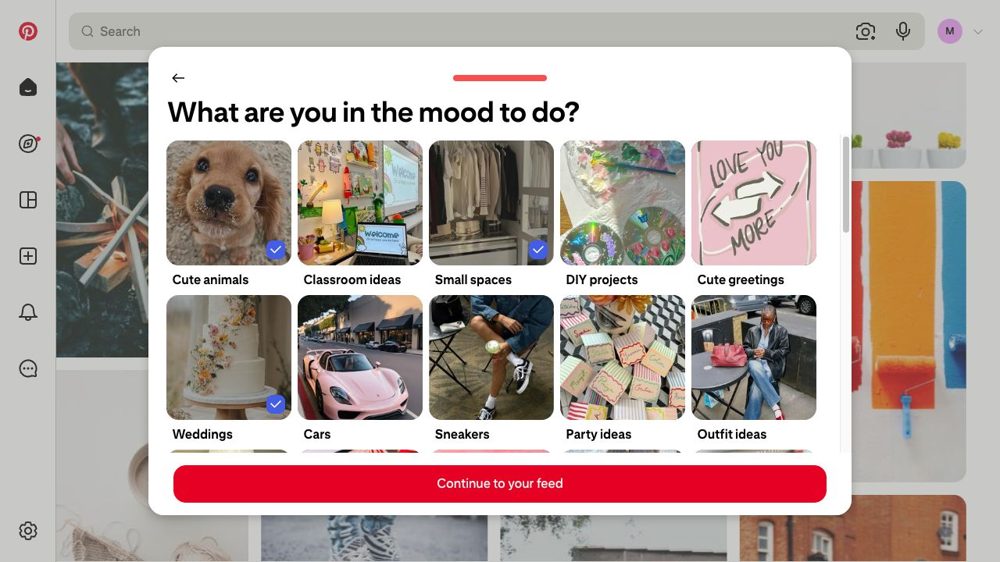
Capture 7 of 9
"What are you in the mood to do?"
Image tiles. The button reads "Pick 3 or more to continue" until three are picked.
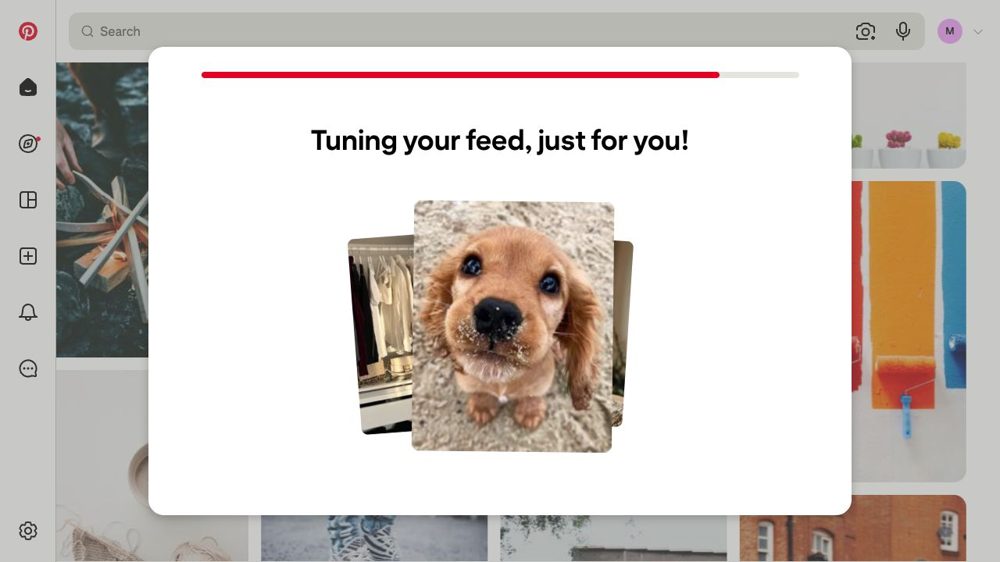
Capture 8 of 9
"Tuning your feed, just for you!"
A short loading screen with a photo, so the wait feels like work being done.
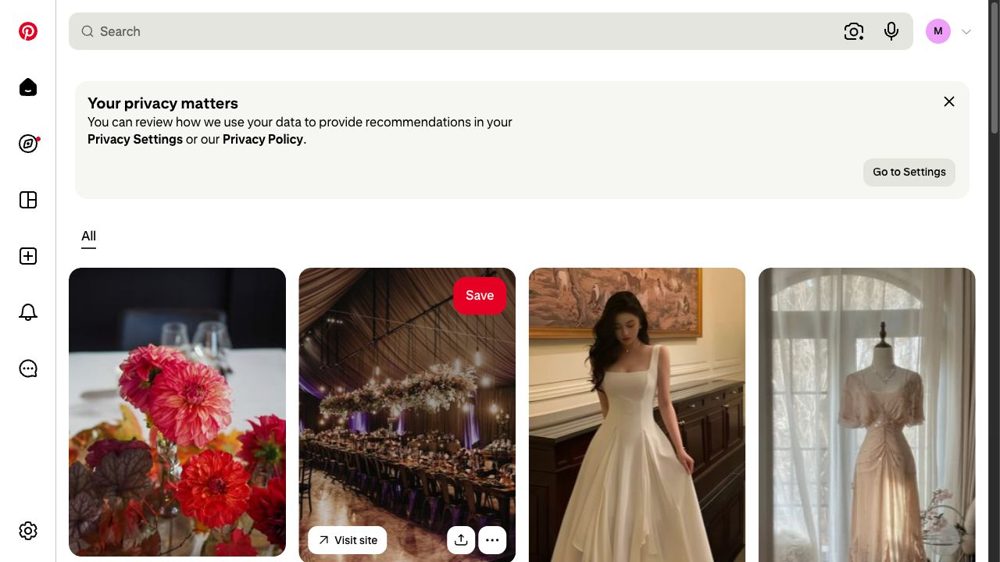
Capture 9 of 9
First feed
A populated board of pins matching the interests picked.
What stands out
- Most onboarding screens ask one thing, so it feels quick.
- Image tiles do the interest picking, with a hard minimum of three.
- A progress bar and a "tuning your feed" screen make the wait look purposeful.
Captured 7 October 2026 on web with a made-up persona. Screen counts exclude landing page and first feed.